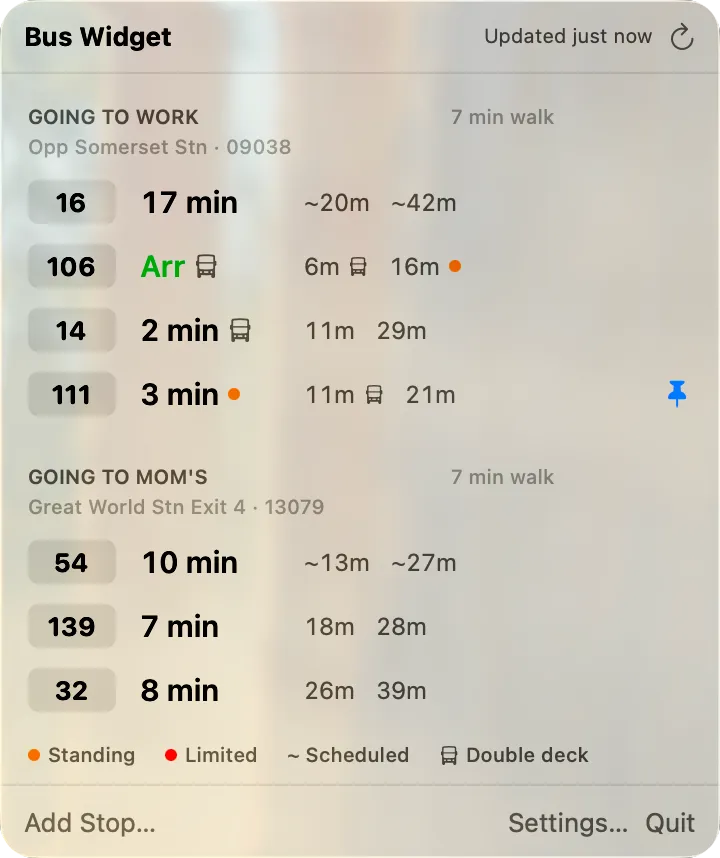
“Put the buses I care about on my Mac’s menu bar, and tell me when to leave.”
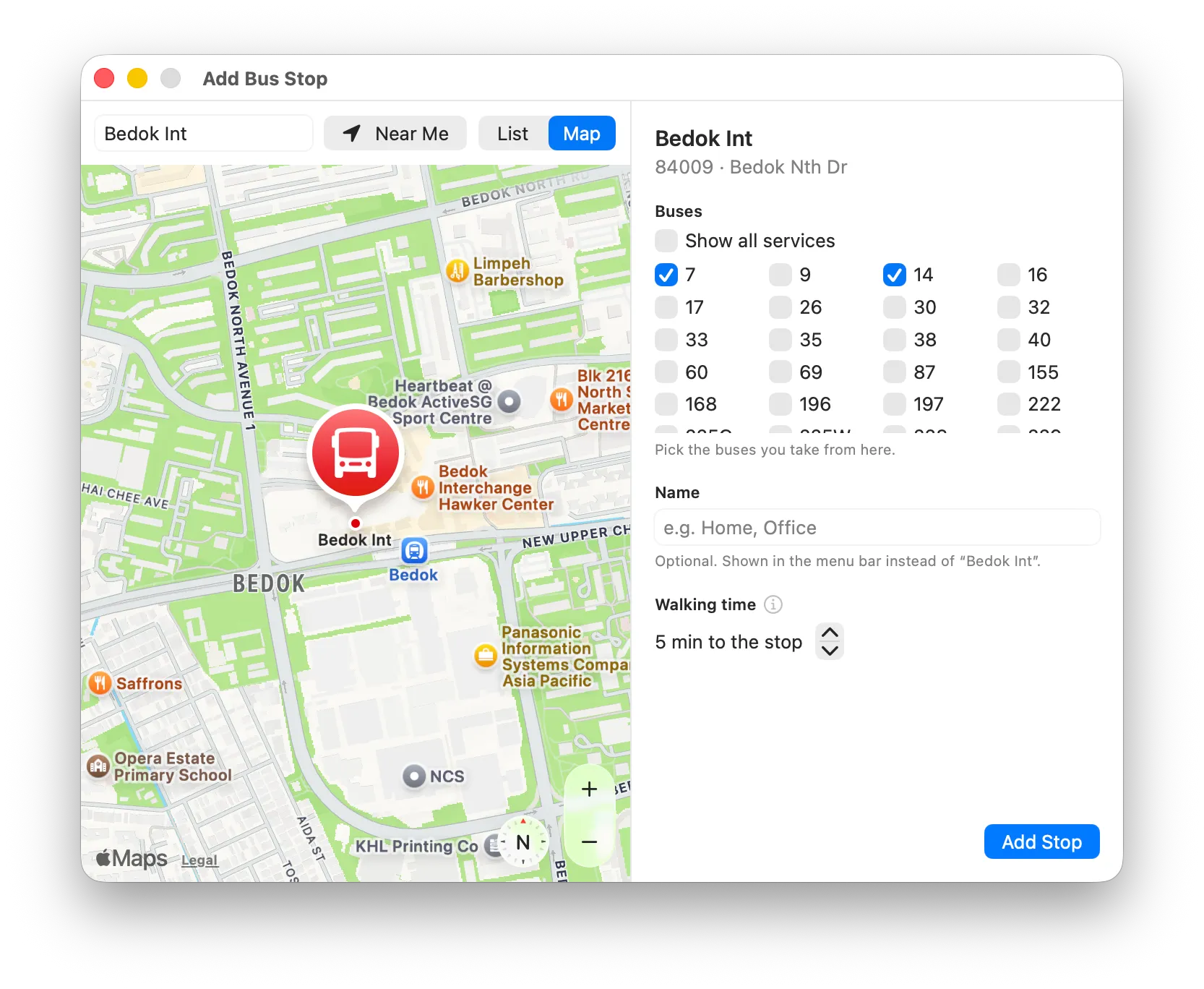
Checking a bus app on my phone while working at my Mac meant switching devices and doing the timing in my head. I built Bus Widget for my own commute, and to see how far I could take a native app by directing an AI coding agent. It started as an open question, not a spec, so I opened with four.
What belongs in the menu bar, and what in the dropdown?
One number in the menu bar: the next arrival of one pinned bus or stop. Everything else lives in the dropdown.
Web-based, or a download?
A native SwiftUI app. A website can’t put an item in the menu bar, and native gives always-on data and system notifications. Direct download first, App Store later.
Sign-in, or guest mode?
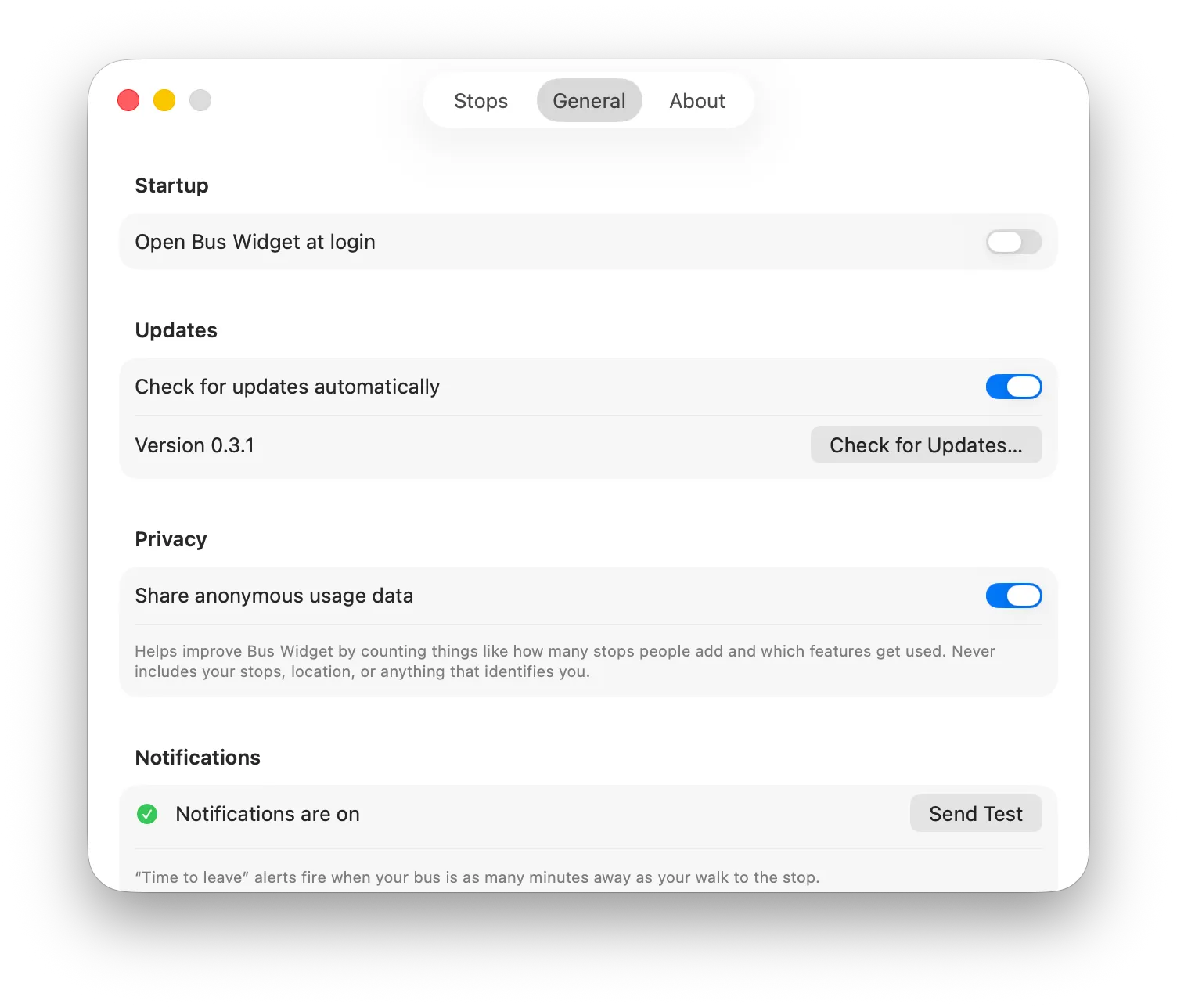
No account at all. Stops, names, pins and alerts stay on the Mac, so there’s nothing to sign up for and no personal data to hold.
How does it work with Singapore’s bus data?
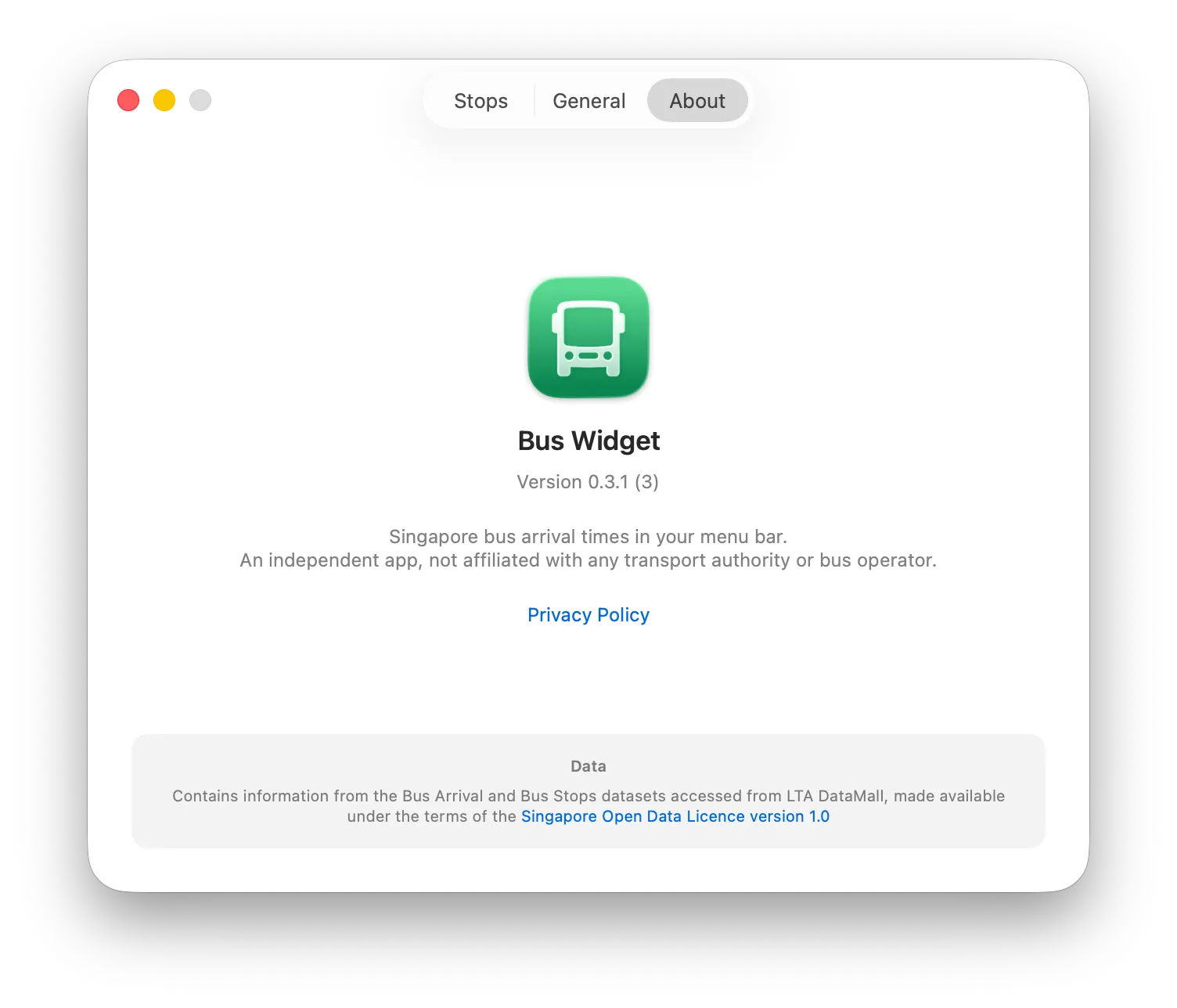
Through a small server of my own that holds the LTA DataMall key, caches each stop and rate-limits. The app never calls LTA directly.